







Capture the memories forever

Capture the memories forever

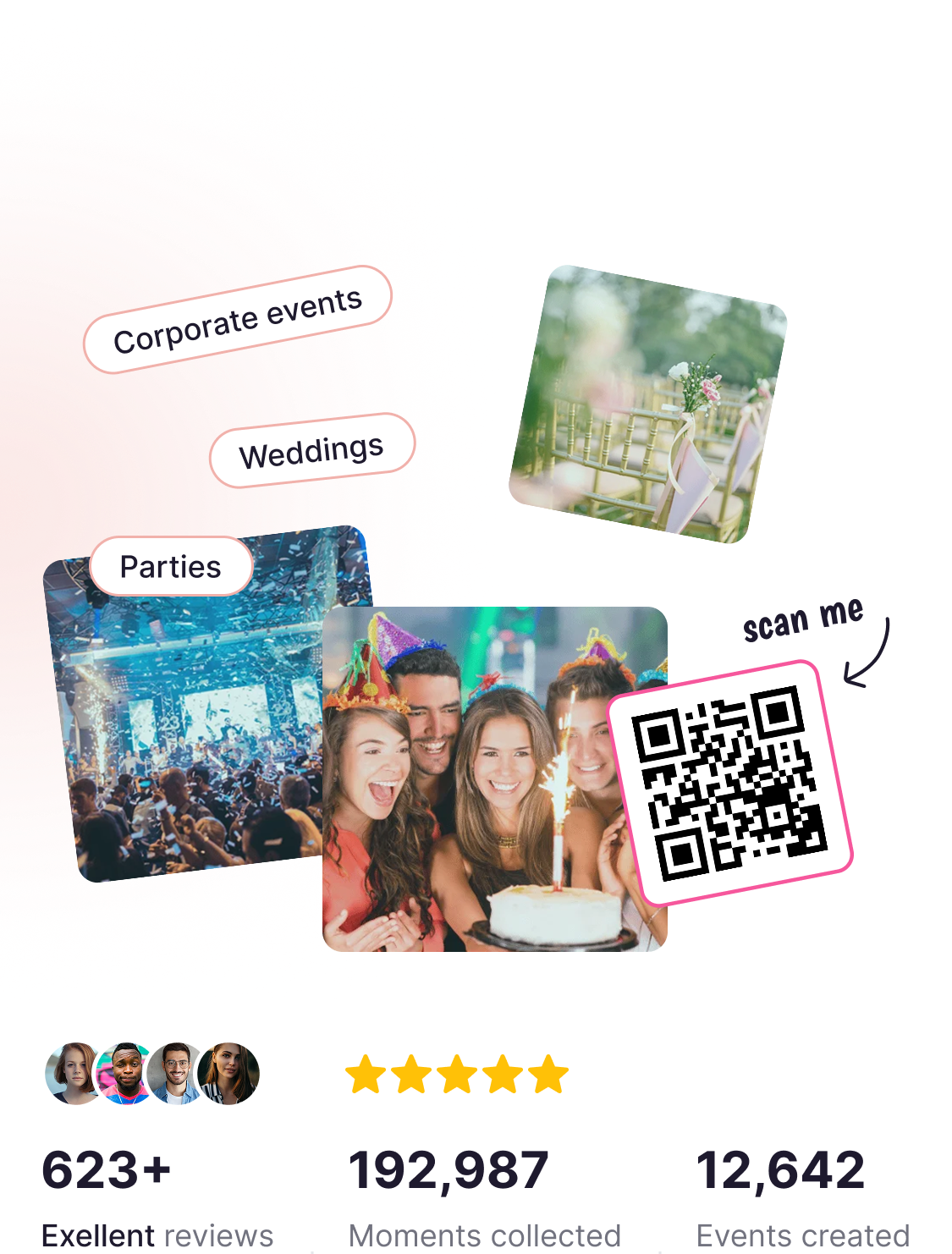
Collect photos and videos of your event with Eventlens. Sharing media has never been
so easy and fast. No app required, just scan and upload the QR code

Collect photos and videos of your event with Eventlens. Sharing media has never been so easy and fast. No app required, just scan and upload the QR code

Free forever for core features

Free forever for core features

What our users say

What our users say

4.8/5 our of 623+ Customer reviews

4.8/5 our of 623+ Customer reviews

Thomas Prent Toronto

Great experience. The FaceAI helped us find team moments quickly and made post-event editing a breeze.

Sophie Loren London

Eventlens helped us relive the entire day through our guests’ eyes we now have moments we didn’t even know happened!

Martina Frank Berlin

Such a fun way to gather memories! Our friends were uploading pics all night.

Daniel & Priya Barcelona

We got over 400 guest photos in one place and the slideshow during dinner? A total hit!

Kate Bricks New York

The best part was how easy it was for guests to share their photos,  no app, just scan and upload!

Mary Smit Kraków

Guests loved the QR code upload even non-techy folks joined in. Simple and effective.

Thomas Prent
Toronto

Great experience. The FaceAI helped us find team moments quickly and made post-event editing a breeze.

Sophie Loren
London

Eventlens helped us relive the entire day through our guests’ eyes we now have moments we didn’t even know happened!

Why people love Eventlens

Create a stunning album where guests can upload and explore event photos and videos setup takes seconds, sharing takes one tap

Why people love Eventlens

Create a stunning album where guests can upload and explore event photos and videos setup takes seconds, sharing takes one tap

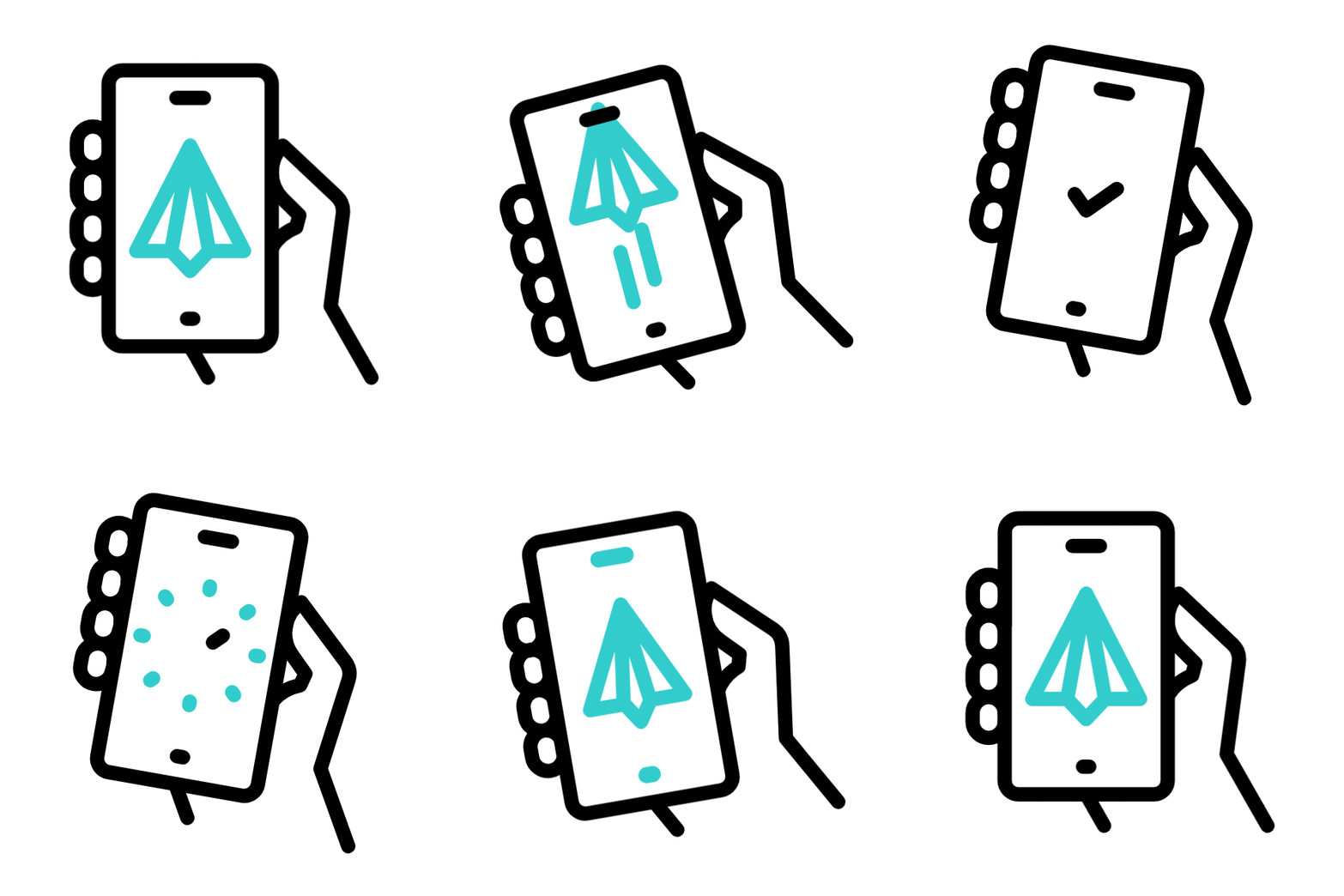
No app needed

Guests scan QR & upload instantly zero downloads

Quick Sharing

Share access in seconds with a single QR code

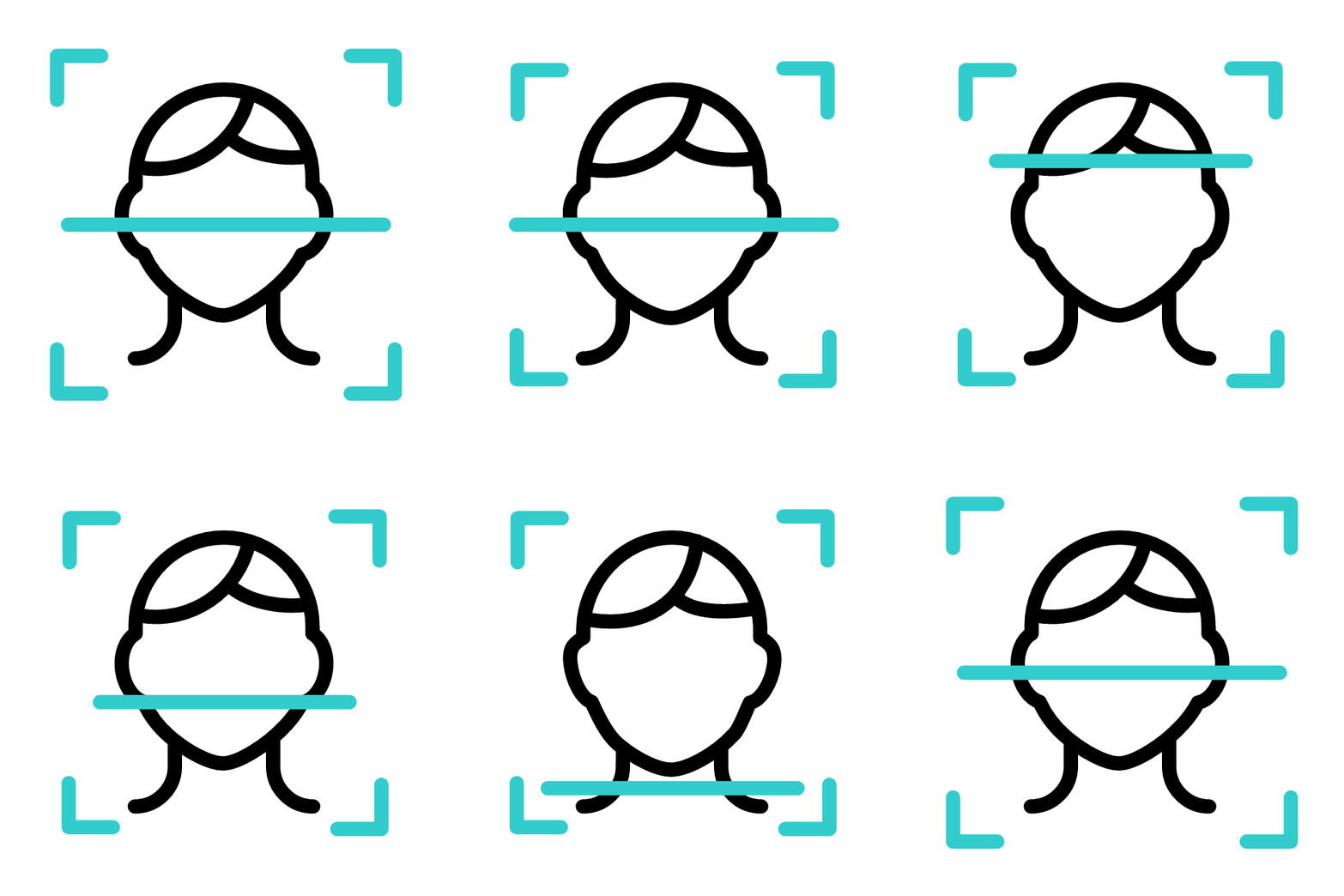
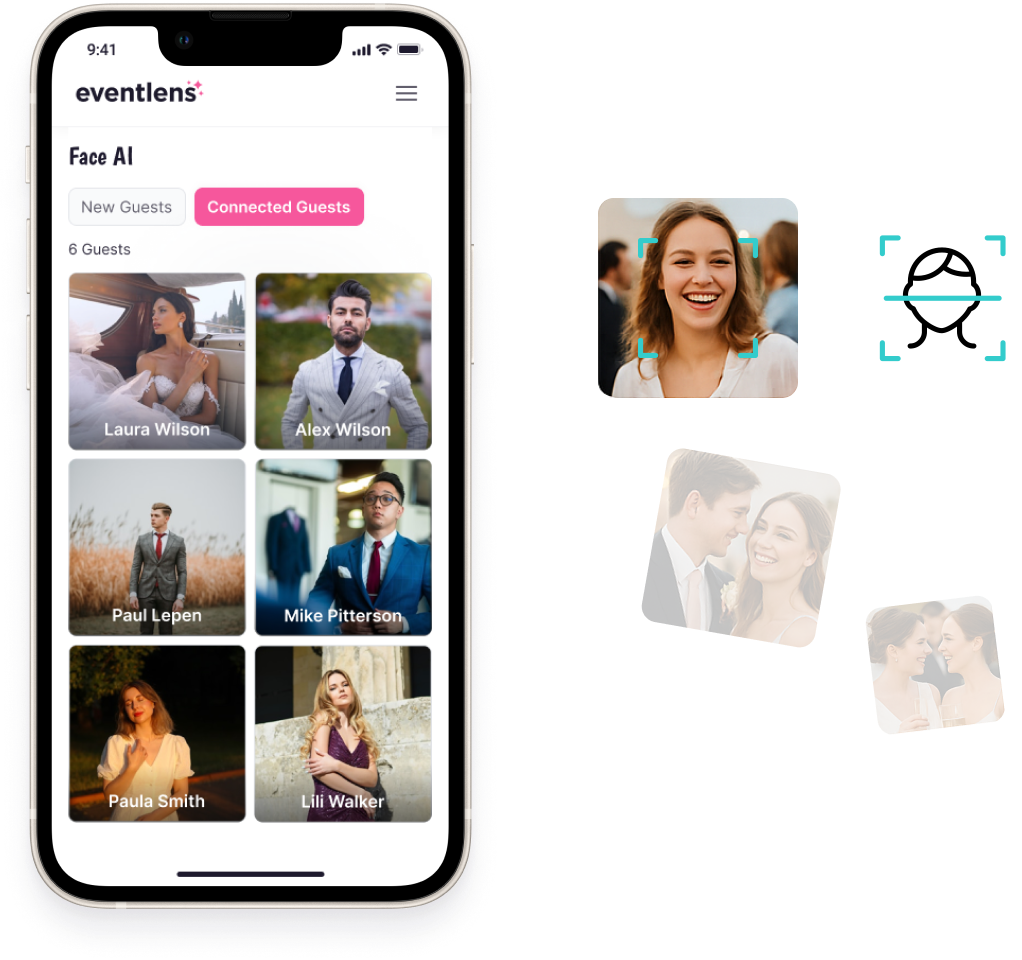
FaceAI magic

See everyone who attended, automatically grouped by face

Real-time Slideshow

Only guests with the link or QR can contribute

Safe & private

Only guests with the link or QR can contribute

No app needed

Guests scan QR & upload instantly zero downloads

Quick Sharing

Share access in seconds with a single QR code

FaceAImagic

See everyone who attended, automatically grouped by face

Real-time Slideshow

Stream memories live on screens during the event

Safe & private

Only guests with the link or QR can contribute

How it works in 3 easy steps

Stress-free setup and sharing for you and your guests

How it works in 3 easy steps

Stress-free setup and sharing for you and your guests

STEP 1

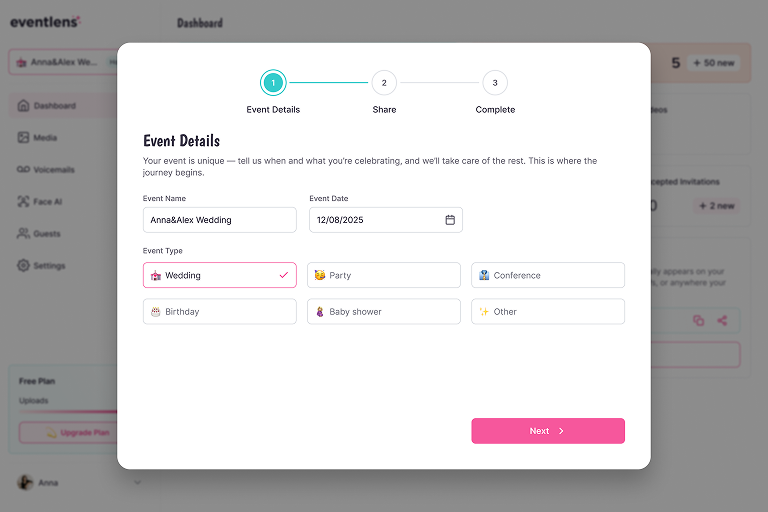
Create your event

Setup your album in seconds. Create a privat event album where guests can upload photos, videos, and messages. Easily customize the title, date, colors, and background to match your vibe.

STEP 2

Share your QR

Share the QR code at your event, so visitors can easily scan the QR code with their phone, without having to download an app. Done within 1 minute.

Upload your media
After scanning the QR code, you can select media from your phone which photos or videos you want to upload to the event organization. Then click upload and it will be ready within a few minutes.

STEP 3

Enjoy the memories

Watch the uploads live and download anytime. The photos and videos can be uploaded during and after the event via the QR code or link. The organizer can decide for itself until when this is allowed. During the event you can share the photos on a screen or you can select all the beautiful photos after the event!

STEP 1

Create your event

Setup your album in seconds. Create a privat event album where guests can upload photos, videos, and messages. Easily customize the title, date, colors, and background to match your vibe.

STEP 2

Share your QR

Share the QR code at your event, so visitors can easily scan the QR code with their phone, without having to download an app. Done within 1 minute.

Upload your media
After scanning the QR code, you can select media from your phone which photos or videos you want to upload to the event organization. Then click upload and it will be ready within a few minutes.

STEP 3

Enjoy the memories

Watch the uploads live and download anytime. The photos and videos can be uploaded during and after the event via the QR code or link. The organizer can decide for itself until when this is allowed. During the event you can share the photos on a screen or you can select all the beautiful photos after the event!

Powerful features that make events unforgettable

FaceAI – Spot every smile with smart face recognition

Our intelligent FaceAI automatically detects guests’ faces in uploaded photos, so you can easily filter, group, and find every moment featuring someone special. Hosts can label faces, invite guests to view their personal gallery, and never miss a memory.

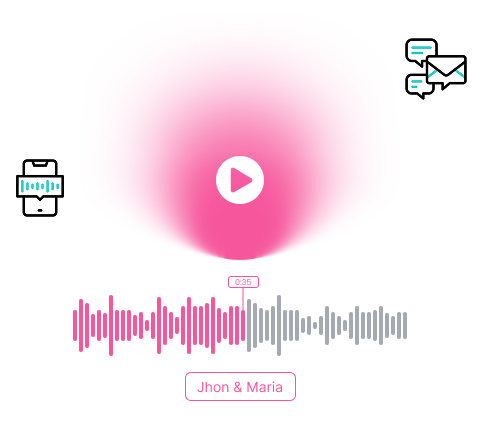
Voicemail (Audio Guestbook) Memories in voices

Let your guests leave short voice messages during the event — from funny to emotional. Just like a traditional guestbook, but with warmth and personality. Hosts can enable this feature and customize the welcome message for a personal touch.

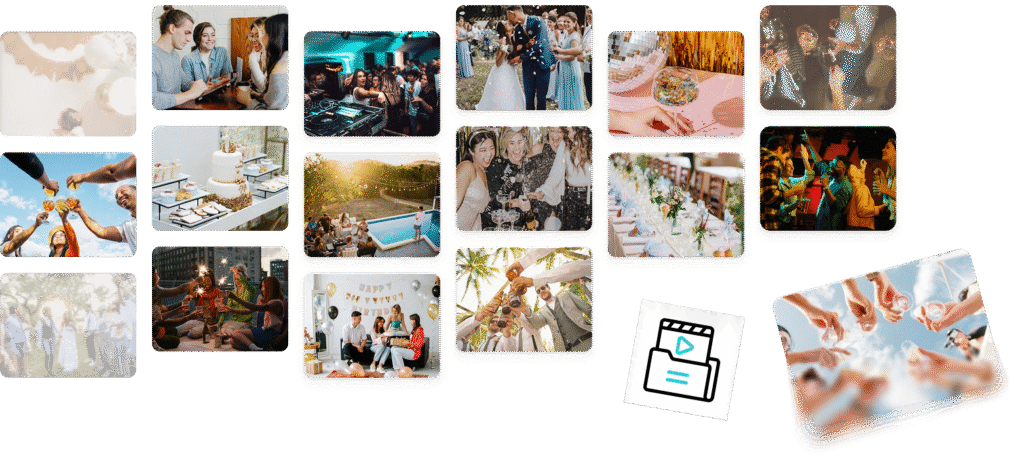
Media Albums – Bring structure to the celebration

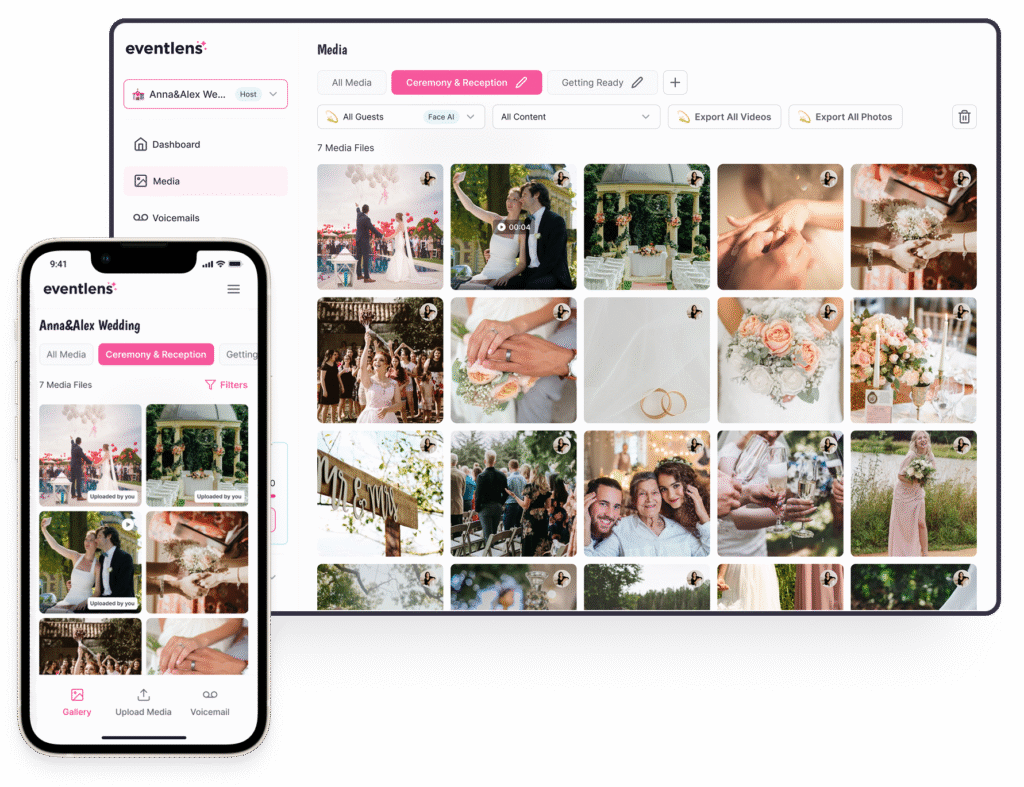
Create folders for each part of your event — ceremony, dinner, dance floor, and more. Guests can choose where to upload their content, helping you keep everything beautifully organized. You can also move files between albums anytime after the event.

Powerful features that make events unforgettable

FaceAI – Spot every smile with smart face recognition

Our intelligent FaceAI automatically detects guests’ faces in uploaded photos, so you can easily filter, group, and find every moment featuring someone special. Hosts can label faces, invite guests to view their personal gallery, and never miss a memory.

Voicemail (Audio Guestbook) Memories in voices

Let your guests leave short voice messages during the event — from funny to emotional. Just like a traditional guestbook, but with warmth and personality. Hosts can enable this feature and customize the welcome message for a personal touch.

Media Albums – Bring structure to the celebration

Create folders for each part of your event – ceremony, dinner, dance floor, and more. Guests can choose where to upload their content, helping you keep everything beautifully organized. You can also move files between albums anytime after the event.

Everything you need, built in

Everything you need — from albums to QR templates, all in one place

Everything you need, built in

Everything you need — from albums to QR templates, all in one place

No Sign-Up for Guests

Play a real-time photo wall during your event — every upload appears instantly on screen

High-Resolution Photo

Download your photos and videos in original quality — crystal-clear and ready to print or share

Live Slideshow

Play a real-time photo wall during your event — every upload appears instantly on screen

QR Code Customization

Customize your event’s QR code to match your theme — colors, labels, and more

Free Plan Available

Start without spending a cent. Enjoy all core features for free — forever

Unlimited Uploads (PRO)

Go big with unlimited photo and video uploads — perfect for large events

Event Expiration Timer

Set how long your album stays active — you control when it’s time to say goodbye

Guest Texts & Captions

Guests can add fun comments or captions to their uploads — adding personality to moment

No Sign-Up for Guests

Play a real-time photo wall during your event — every upload appears instantly on screen

High-Resolution Photo

Download your photos and videos in original quality — crystal-clear and ready to print or share

Live Slideshow

Play a real-time photo wall during your event — every upload appears instantly on screen

Free Plan Available

Start without spending a cent. Enjoy all core features for free — forever

QR Code Customization

Customize your event’s QR code to match your theme — colors, labels, and more

Unlimited Uploads (PRO)

Go big with unlimited photo and video uploads — perfect for large events

How Eventlens Compares to Other Platforms

How Eventlens Compares to Other Platforms

Don’t compromise — create a hassle-free event everyone can enjoy

Don’t compromise — create a hassle-free event everyone can enjoy

Others
No app required – upload via QR or link Check Cross
Create private digital albums with custom branding (title, date, background) Check Cross
FaceAI – smart face recognition for finding photos Check Cross
Audio Guestbook – guests can leave voice messages Check Cross
Create multiple albums per event (e.g. Ceremony, Party, etc.) Check Cross
Free forever for core features Check Cross
High-resolution photo & video downloads Check Cross
Live slideshow feature with real-time uploads Check Cross
Branding & customization Check Cross
Eventlens

Others

No app required – upload via QR or link

Create private digital albums with custom branding (title, date, background)

FaceAI – smart face recognition for finding photos

Audio Guestbook – guests can leave voice messages

Create multiple albums per event (Ceremony, Party, etc.)

Free forever for core features

High-resolution photo & video downloads

Live slideshow feature with real-time uploads

Branding & customization

Meet Eventlens.Ai

Eventlens started with one goal: to make sharing event memories effortless and joyful for everyone.

Whether it’s a wedding, birthday, or corporate event — we help you collect and relive the best moments with ease.

Meet Eventlens.Ai

Eventlens started with one goal: to make sharing event memories effortless and joyful for everyone.

Whether it’s a wedding, birthday, or corporate event — we help you collect and relive the best moments with ease.

Frequently Asked Questions

Frequently Asked Questions

No. Guests can simply scan the event QR code or click your shared link to upload photos and videos — no app or account required. It’s fast, simple, and works right from their phone’s browser.

Yes. With Eventlens you decide who can contribute. You can keep your album private and only share the unique event link or QR code with selected guests. If you prefer more control, you can also approve or decline uploads before they appear in the album.

Your event album stays online for as long as your event is active. This means you and your guests can revisit the photos, videos, and memories anytime — before, during, or after the celebration. For special cases, you can also download all content to keep it forever.

Yes. We offer a Free Plan that lets you try Eventlens with limited uploads and features. It’s perfect for smaller gatherings or testing out the platform. You can upgrade anytime to unlock unlimited uploads, advanced controls, and more customization.

Absolutely. Eventlens is not just for weddings or private parties. Many businesses use it for conferences, team events, product launches, and trainings. It’s a simple way to collect media from attendees and share highlights instantly with your team or audience.

No. Guests can simply scan the event QR code or click your shared link to upload photos and videos — no app or account required. It’s fast, simple, and works right from their phone’s browser.

Lorem ipsum dolor sit amet, consectetur adipiscing elit, sed do eiusmod tempor incididunt ut labore et dolore magna aliqua.

Lorem ipsum dolor sit amet, consectetur adipiscing elit, sed do eiusmod tempor incididunt ut labore et dolore magna aliqua.

Lorem ipsum dolor sit amet, consectetur adipiscing elit, sed do eiusmod tempor incididunt ut labore et dolore magna aliqua.

Lorem ipsum dolor sit amet, consectetur adipiscing elit, sed do eiusmod tempor incididunt ut labore et dolore magna aliqua.